Command / meterArcade
Meter
Find your lane. Keep the beat.
Four lanes, four original musical styles, and patterns that grow from single notes into chords.
Four lanes, four original musical styles, and patterns that grow from single notes into chords.
Automate
Meter Policy
Match four lanes to an original synth beat, build combos, and finish the track.
Durable workspace
~/meterRead README.txt; start with policy.sh. Your files remain yours between runs.
Sensors
scanstatestatus
Actions
starthitsongsoundwait
Practice evidence
gif · replay · run receipt · local practice
Script runs are unranked practice. Histograms compare submitted results.
Ruleset: meter-v2
Practices: Bash loops · state observation
Run $ meter --script →Terminal view
What you will see
Read the approaching notes and strike one lane on time.replay
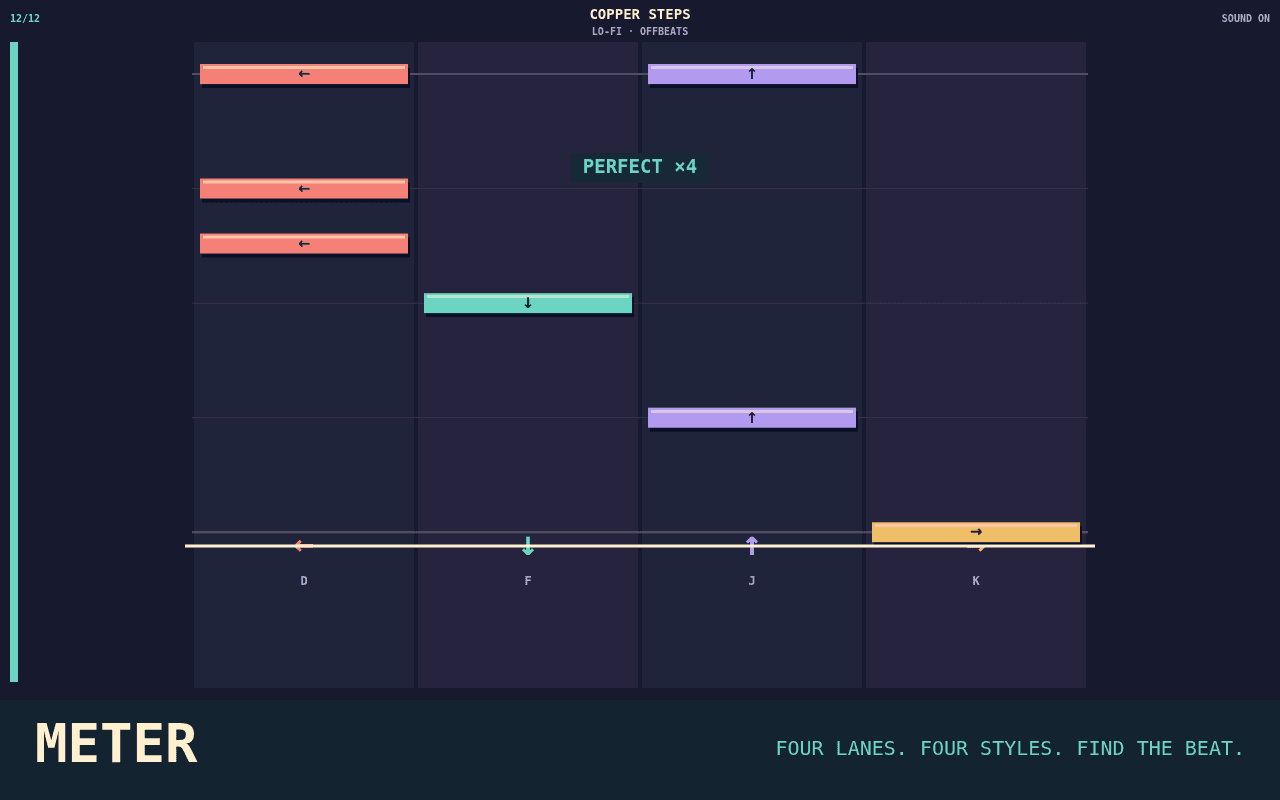
D / Left - lane 1
Capabilities
How this command behaves
- Built for a solo session
- Build and keep real Bash files in ~/meter
- Automation records include gif and replay and run receipt
- Runs in the browser; nothing to install
- Playable entirely from the keyboard
Syntax
Start it from the prompt
Usage
meter | meter --scriptAliases
None
Field notes
Guides from the wiki
Ready when you are. The terminal will open directly into Meter.
Run $ meter →