Command / stencilClassics
Stencil
A picture, one square at a time.
Fill squares to uncover a picture, with a visible clue-by-clue lesson and undo.
Fill squares to uncover a picture, with a visible clue-by-clue lesson and undo.
Automate
Stencil Policy
Fill squares to uncover a picture, with a visible clue-by-clue lesson and undo.
Durable workspace
~/stencilRead RELEASE-GUIDE.txt; start with policy.sh. Your files remain yours between runs.
Sensors
scanstatestatus
Actions
leftrightupdowncursorfillmarkundonextwaithint
Practice evidence
gif · replay · run receipt · local practice
Script runs are unranked practice. Histograms compare submitted results.
Ruleset: stencil-v2
Practices: Bash loops · state observation
Run $ stencil --script →Terminal view
What you will see
A picture, one square at a time.replay
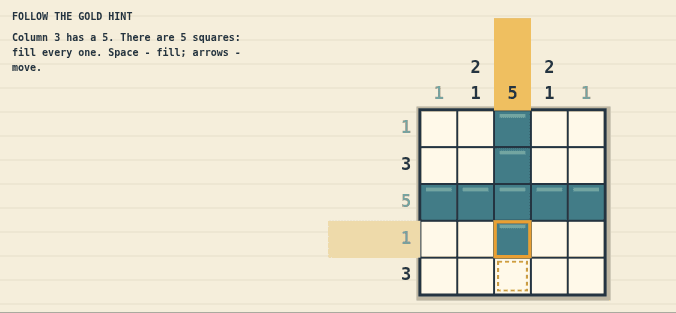
Arrows / WASD - move the gold cursor
Capabilities
How this command behaves
- Built for a solo session
- Build and keep real Bash files in ~/stencil
- Automation records include gif and replay and run receipt
- Runs in the browser; nothing to install
- Playable entirely from the keyboard
Syntax
Start it from the prompt
Usage
stencil | stencil --scriptAliases
None
Field notes
Guides from the wiki
Ready when you are. The terminal will open directly into Stencil.
Run $ stencil →