Glint
Match three. Set off something bigger.
Swap gems across three trays, build specials and chase cascading combinations.
Swap neighboring gems to match three. Four in a row makes a stripe, five makes a star, and a crossing makes a burst. Match specials again to trigger them, combine two specials, or swap a star with a gem to clear that shape.
Rejected swaps bounce back with a red cross and spend no move. Successful matches shatter, fall and cascade with increasing multipliers. Clear three tray targets in twenty moves each; the final tray awards a bonus for moves left.
Glint Policy
Swap neighboring gems, earn stripes and stars, and set off cascades across three trays.
Durable workspace
~/glintRead PLAY-GUIDE.txt; start with policy.sh. Your files remain yours between runs.
Sensors
scanstatestatus
Actions
leftrightupdownselectswaphintwait
Practice evidence
gif · replay · run receipt · local practice
Script runs are unranked practice. Histograms compare submitted results.
Ruleset: glint-v2
Practices: Bash loops · state observation
Run $ glint --script →What you will see
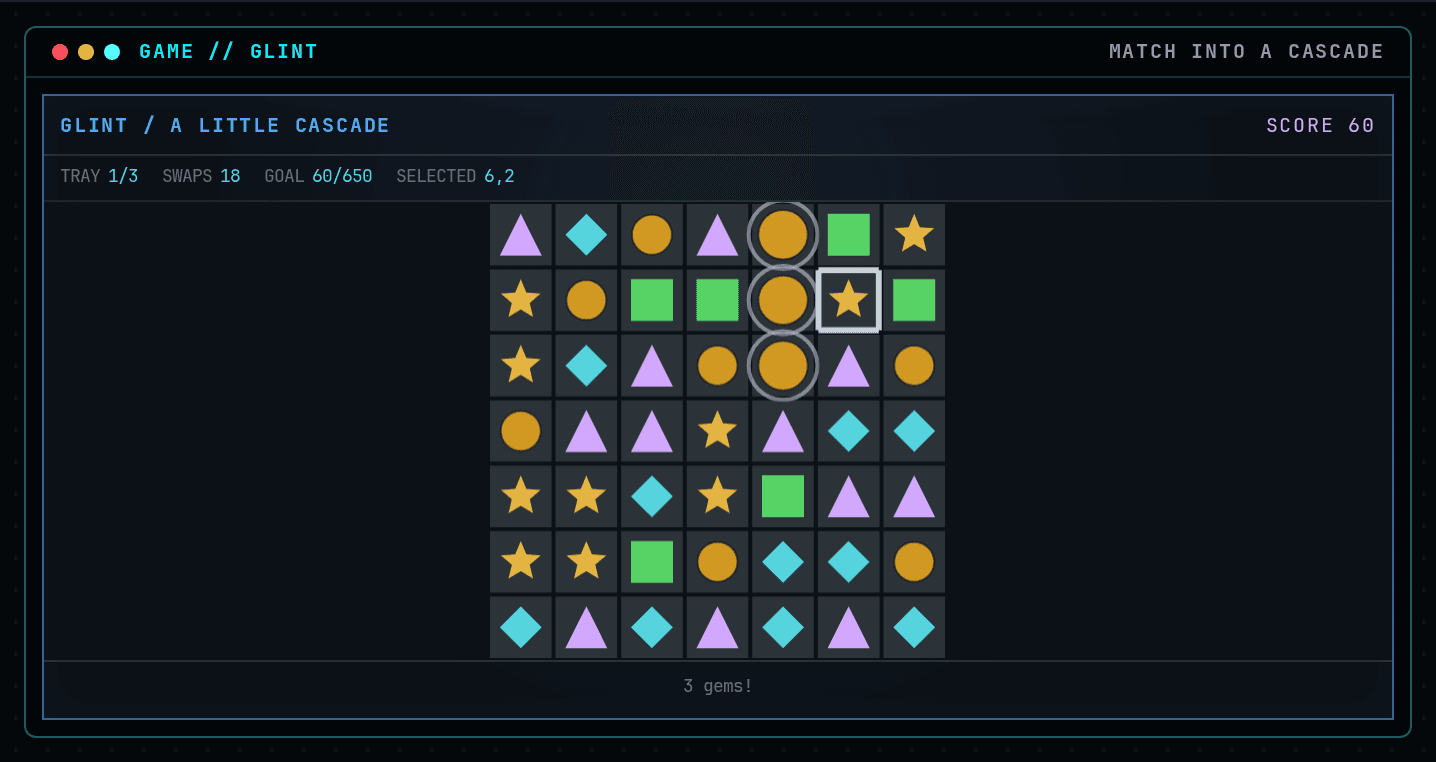
Arrows to move the cursor. Space then an arrow to swap. Space again cancels.
How this command behaves
- Built for a solo session
- Build and keep real Bash files in ~/glint
- Automation records include gif and replay and run receipt
- Runs in the browser; nothing to install
- Playable entirely from the keyboard
Start it from the prompt
Usage
glint | glint --scriptAliases
None
Guides from the wiki
Ready when you are. The terminal will open directly into Glint.
Run $ glint →