Sidepocket
A table, a cue, a better angle.
Find the pocket. Leave the next shot.
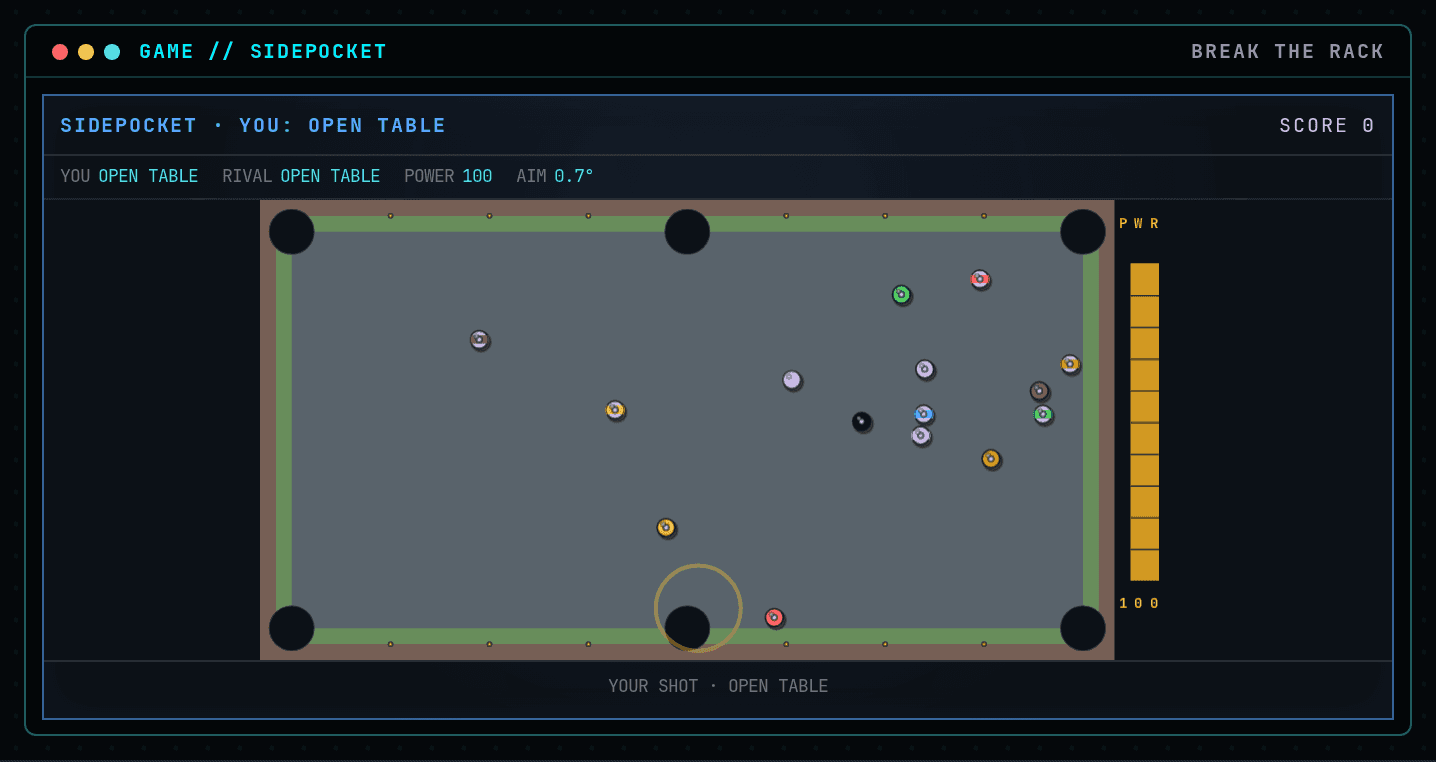
Break the rack, claim solids or stripes with the first legal pot, then clear your group before pocketing the black eight. Choose angle and power, place the cue before the break or after a foul, and face a local practice rival.
Sidepocket Policy
Break an open table, claim solids or stripes with a legal pot, then finish on the eight against a local rival.
Durable workspace
~/sidepocketRead PLAY-GUIDE-5.txt; start with pool-v3.sh. Your files remain yours between runs.
Sensors
scanstatestatus
Actions
holdreleaseleftrightupdownaimpowertargetsuggestshootwaitplace
Practice evidence
gif · replay · run receipt · local practice
Script runs are unranked practice. Histograms compare submitted results.
Ruleset: sidepocket-v4
Practices: Bash loops · state observation
Run $ sidepocket --script →What you will see
Left / A - aim left
How this command behaves
- Built for a solo session
- Build and keep real Bash files in ~/sidepocket
- Automation records include gif and replay and run receipt
- Runs in the browser; nothing to install
- Playable entirely from the keyboard
Start it from the prompt
Usage
sidepocket | sidepocket --scriptAliases
None
Guides from the wiki
Ready when you are. The terminal will open directly into Sidepocket.
Run $ sidepocket →