Command / spallArcade
Spall
One paddle. A wall full of possibilities.
Find the rebound. Break the next wall.
Keep the ball alive, break heavy masonry and catch multiball capsules through an endless demolition run.
Automate
Spall Policy
Keep the ball alive, break heavy masonry and catch multiball capsules through an endless demolition run.
Durable workspace
~/spallRead RELEASE-GUIDE.txt; start with policy.sh. Your files remain yours between runs.
Sensors
scanstatestatus
Actions
leftrightpaddlelaunchstartholdreleasewait
Practice evidence
gif · replay · run receipt · local practice
Script runs are unranked practice. Histograms compare submitted results.
Ruleset: spall-v1
Practices: Bash loops · state observation
Run $ spall --script →Terminal view
What you will see
Find the rebound. Break the next wall.replay
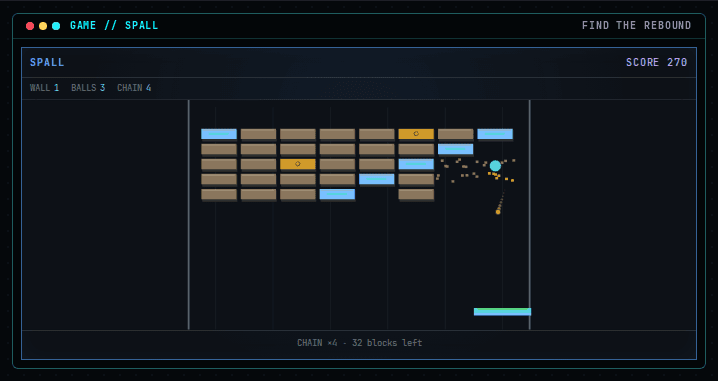
Left / A - move left
Capabilities
How this command behaves
- Built for a solo session
- Build and keep real Bash files in ~/spall
- Automation records include gif and replay and run receipt
- Runs in the browser; nothing to install
- Playable entirely from the keyboard
Syntax
Start it from the prompt
Usage
spall | spall --scriptAliases
None
Field notes
Guides from the wiki
Ready when you are. The terminal will open directly into Spall.
Run $ spall →