
Dial-Up Days: First Bot Walkthrough
A spoiler-light walkthrough for getting your first bot back online in Dial-Up Days, from your bedroom to Cyber Grounds and back through the pager.
Introduction
So you want to build a botnet. Lucky for you, Millbrook in 1998 is teeming with vulnerable processing power just waiting to be commandeered. It all comes down to one basic sequence: gain access to a target system, upload an executable to it, and run the executable. Simple, right?
What better place to start than the Cyber Grounds Cafe? It has rows of terminals, wide-open guest permissions, and a convenient floppy drive. This guide shows you how to get the first bot back under your control. The other targets around Millbrook will be harder, and you will need to adapt the same basic sequence to trickier situations.
If you have not already, start Dial-Up Days by typing dial-up-days at the home terminal. If you want the command grammar without a route, see the Dial-Up Days getting-started guide.
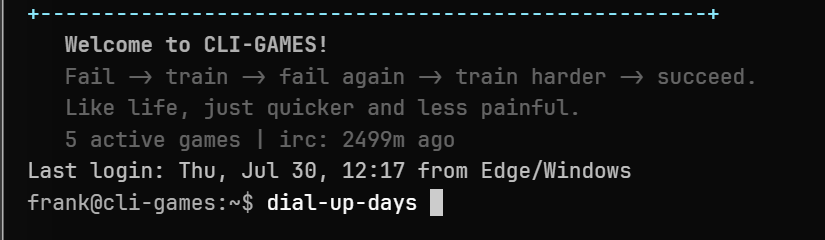 Start Dial-Up Days from the main terminal.
Your room
The story opens in your room. Your custom pager — a command-and-control terminal for managing bots — tells you that the Cyber Grounds terminal you recently compromised is unreachable. First, grab the Bot Installer Floppy with take 2. Confirm that it left the room and reached your inventory with inv.
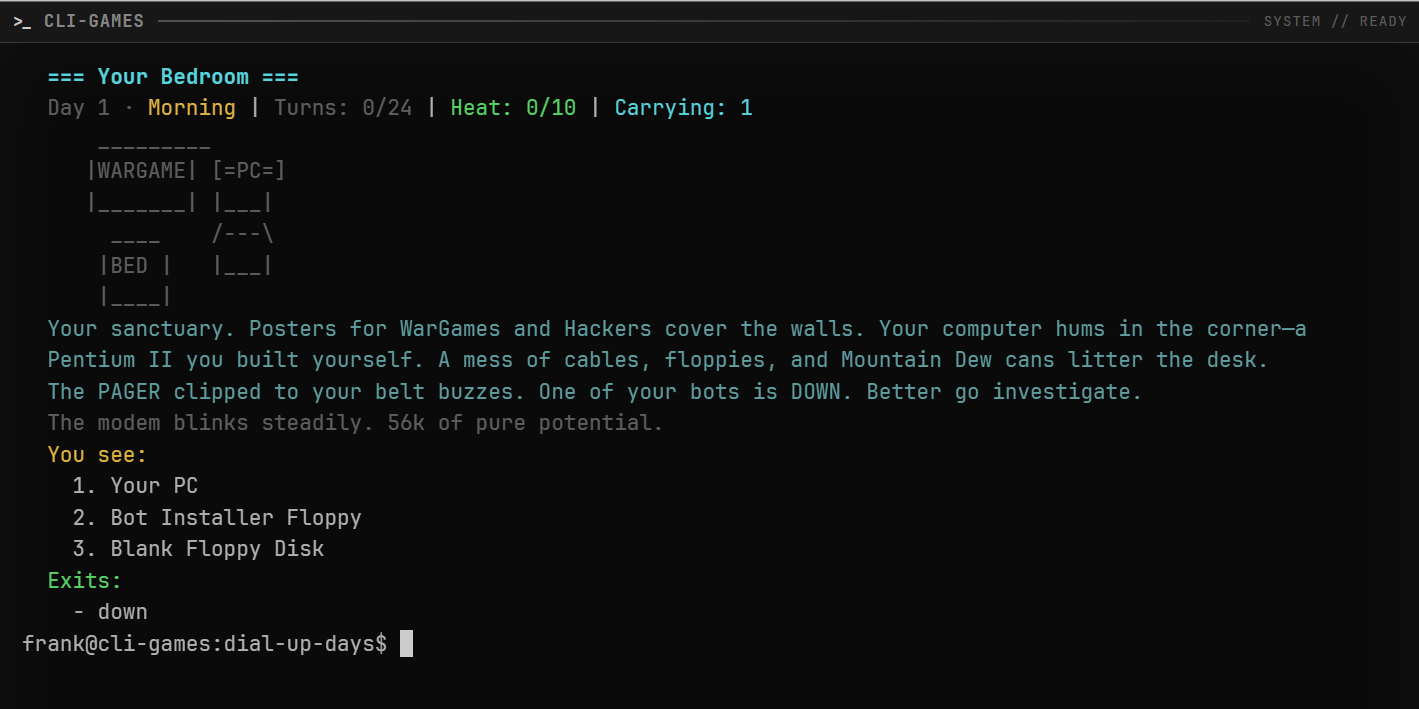 Take the Bot Installer Floppy before leaving the room.
Cyber Grounds
Head to the cafe and see what happened to the terminal. Leave your room with down (or d), go out, travel two hops east, then one hop south, and you will be outside Cyber Grounds. As long as it is daytime, in will take you inside to the terminals.
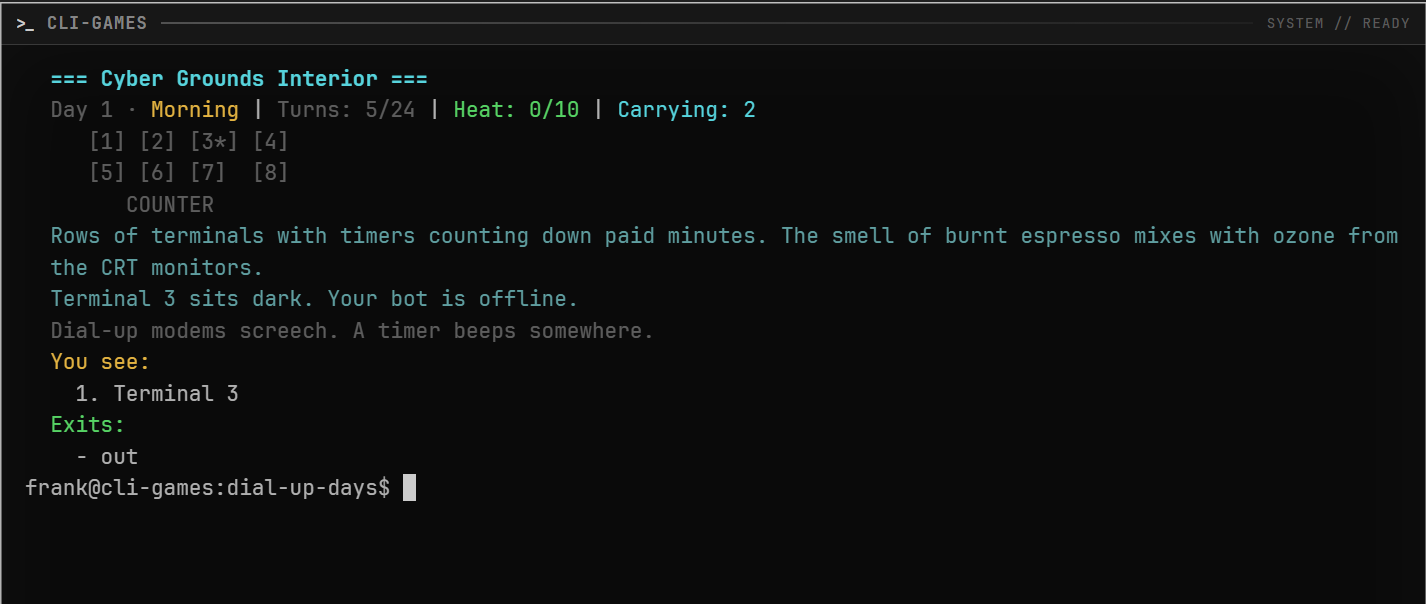 Cyber Grounds Terminal 3 is the target.
Watch the pager pick up the bot activity
Before you take over the terminal, check your pager. Type use pager to open your mobile command center and confirm that cafe.bot reads [OFFLINE].
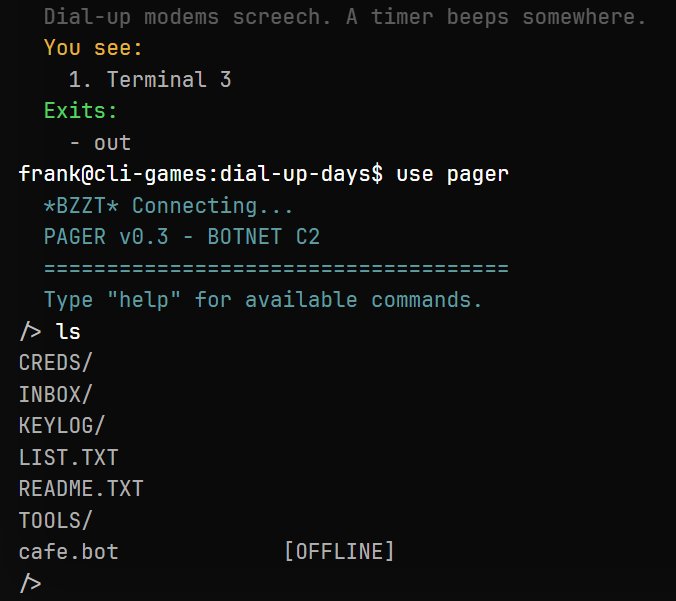 The pager sees the bot, but it is offline.
Exit the pager with exit, then sit at the target computer with use terminal. Insert the floppy with insert floppy:
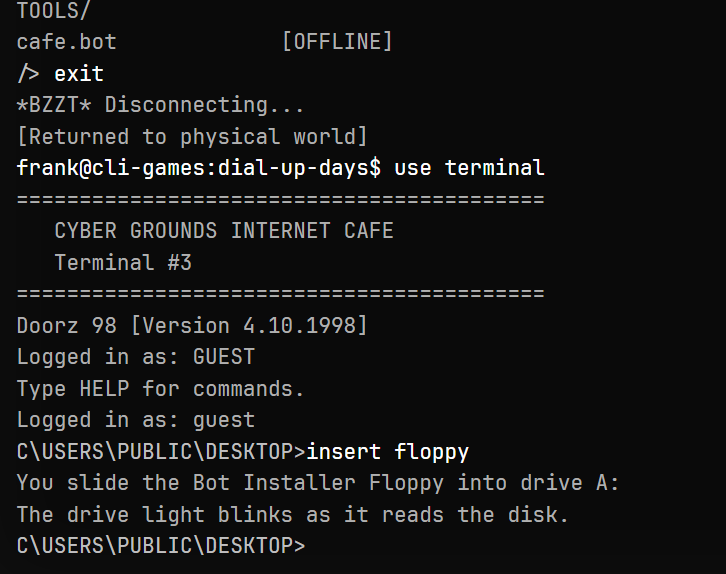 The cafe terminal has read the floppy and is ready for the next step.
Now navigate to the floppy drive from the cafe terminal. This public computer runs a DOS-style shell, so it will not respond to every Unix command you may know. cd moves between directories, dir lists files, and help shows the commands available on this terminal.
On the inserted floppy, find BOTNET.EXE and run it by path:
A:\BOTNET.EXE
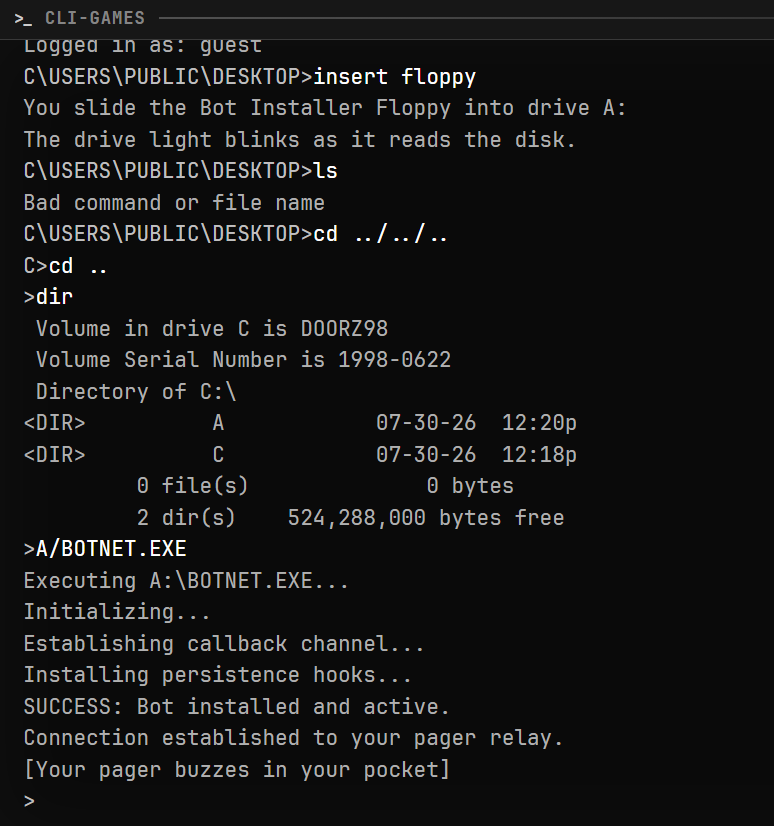 The installer establishes a callback channel to the pager.
Check the pager again. cafe.bot should now read [ONLINE]. From the pager, use hijack cafe.bot to open a remote terminal session just as if you had sat down at the cafe computer:
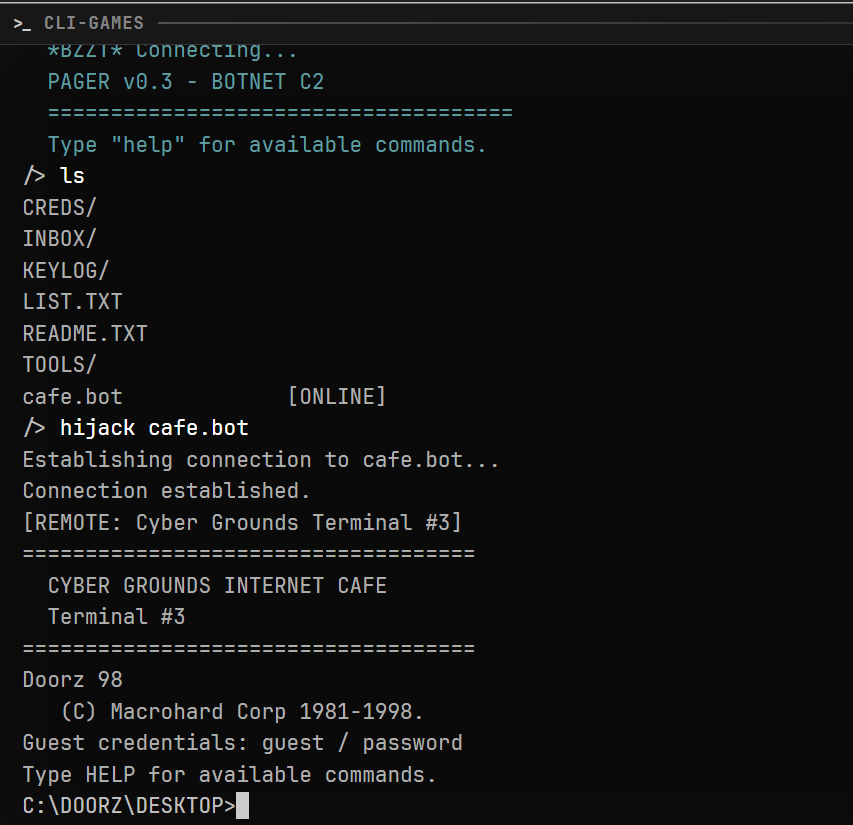 The bot is back under your control.
That is the basic sequence: gain access to a target, transfer an executable, and run it. You now have access to the bot from anywhere on the map.
Cleaning up and looking around
But why did the bot go down in the first place? Sometimes a connection gets noticed and severed. The likelihood depends on how heavily trafficked the target system is. A cafe bot is likely to attract attention, so look for evidence of your compromise before you leave.
Speaking of evidence, what do the logs say about the time the bot went down?
Rerunning the playbook
The Millbrook network is full of exploitable terminals, and the playbook is always recognizable. One or more steps may require creativity: an unguessable password, a physically unreachable host, or no external drive. The more resources you acquire, the more options you have.
I am excited to see how far you get. If you get stuck, you can use message frank, read the Communication guide, or post to r/cli_games. The game is full of technical and moral choices, with multiple possible endings. Let me know which one you hit first.
Keep exploring
- Dial-Up Days: Getting Started — command grammar, time, heat, and the pager
- Dial-Up Days — launch the game and read its full description
- Communication —
message,talk, and other ways to ask for help